What this page is: my project log for lilvo DS Micro, a tiny dual-screen handheld I'm building on my own. It's here so anyone following along can see what it is, how it works and where it's at. It isn't available yet; the goal is a production run, and I'm doing everything I can to get there. Latest update: Oct 28 →
Prototype · working towards production

A dual-screen handheld the size of a card.

lilvo DS Micro is a clamshell with two screens, real buttons and a real hinge, 85 × 46 × 18 mm closed. It runs DS and 11 classic consoles on its own little OS. I post every step here, the mistakes included.
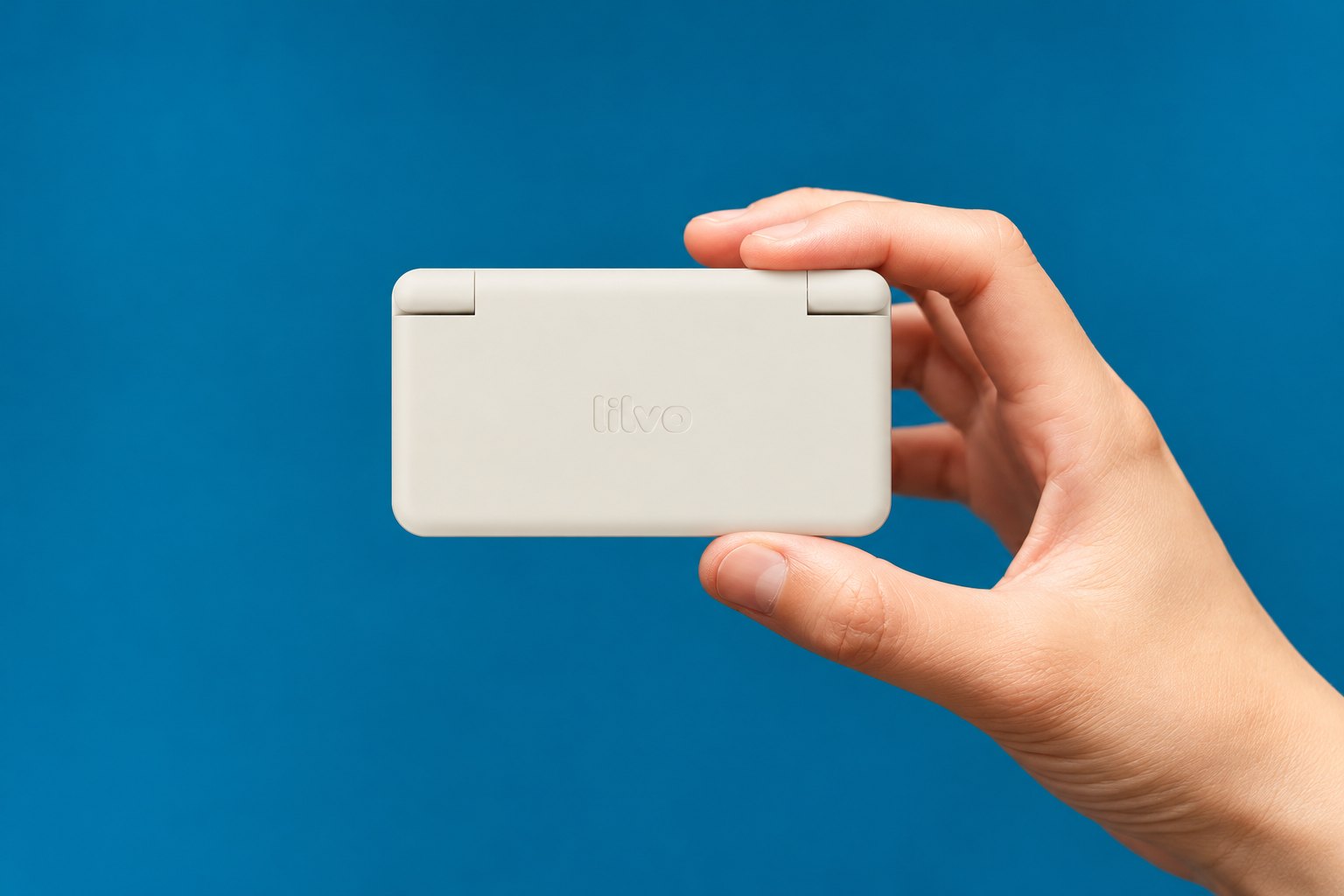
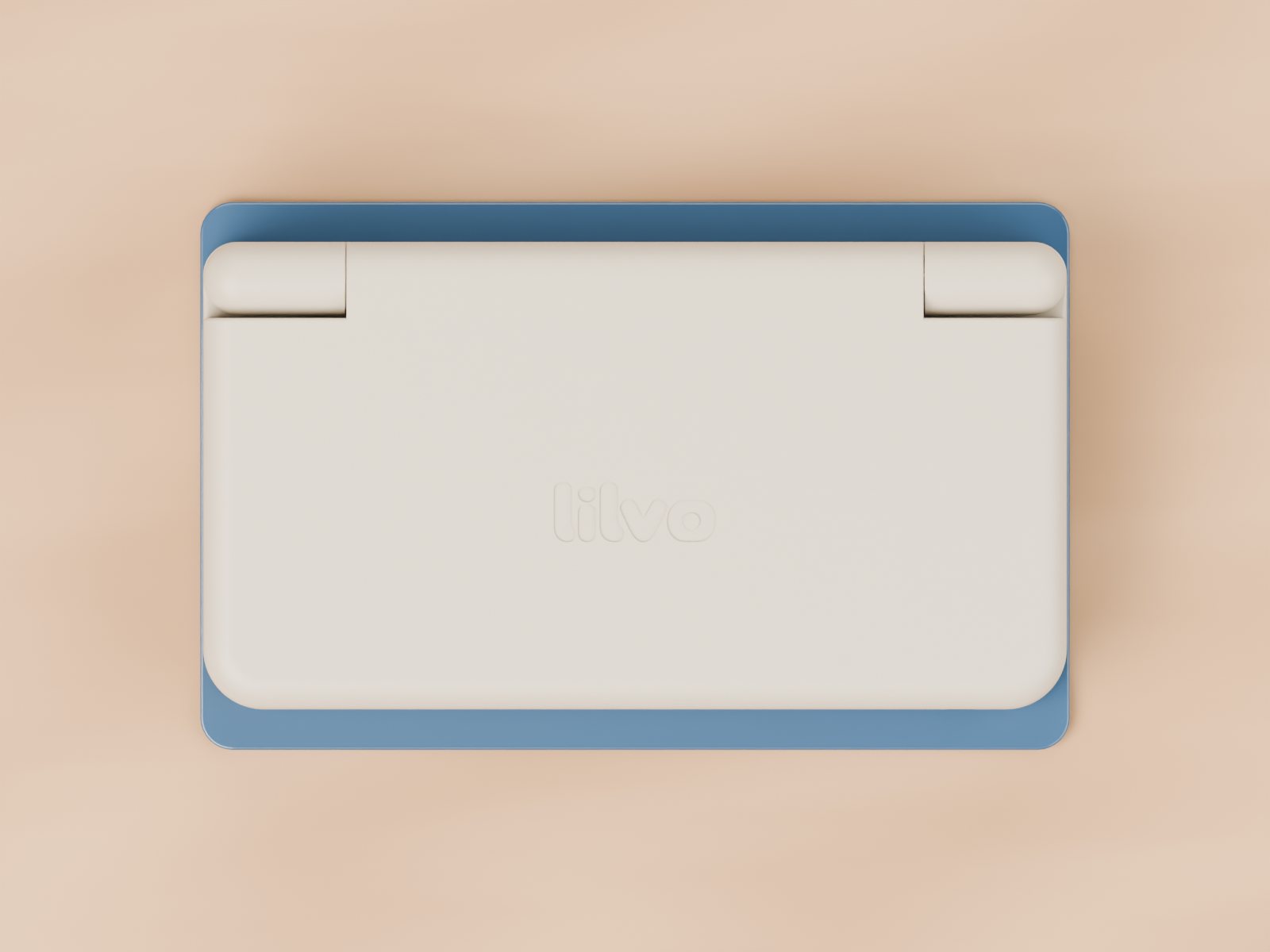
lilvo DS Micro, closed, held between a thumb and two fingers against a blue background Concept image · closed
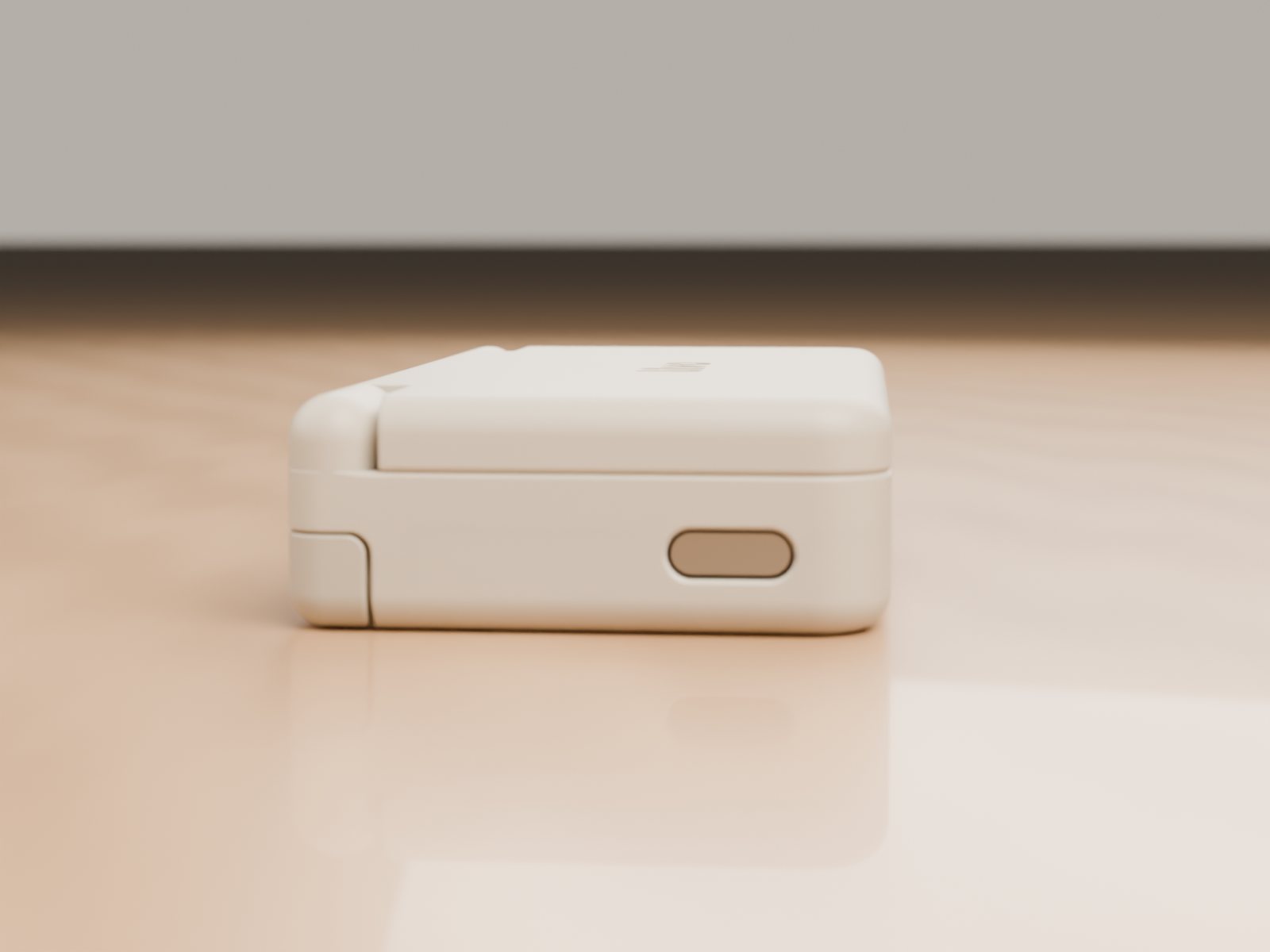
85 × 46 × 18 mmclosed — a bank card is 85.6 × 54
2 screens256 × 192 each
1200 mAhbattery
12 systemsDS and 11 classic consoles
From my desk

Not renders. The real thing, so far.

3D-printed shell, the first prototype board, and a lot of tape. It boots, both screens work, and it closes.

Real
The first printed shell. This is the size it really is.
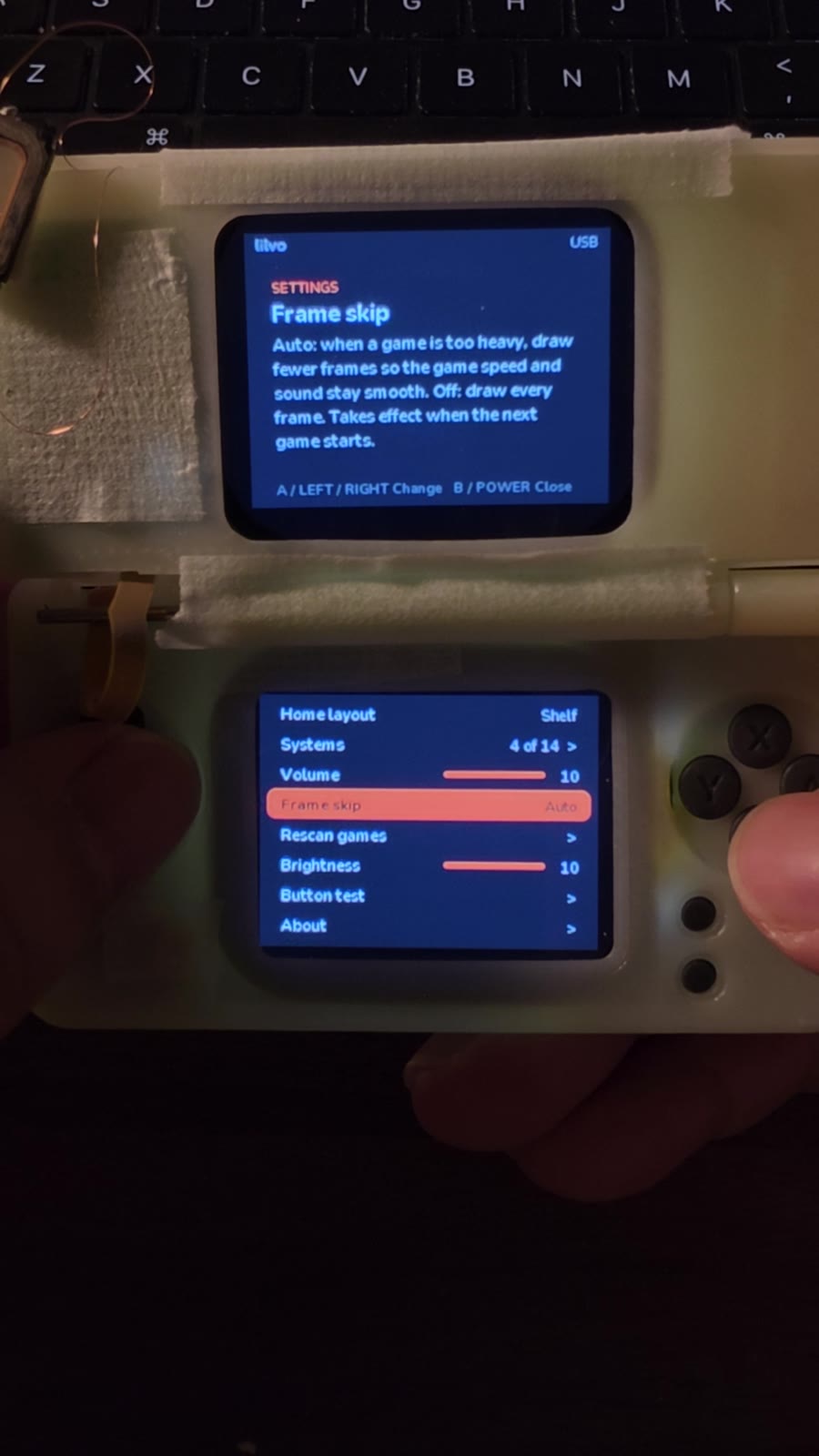
Prototype held in hand, both screens on, settings menu visibleReal
First full prototype: board, screens and hinge in one shell.
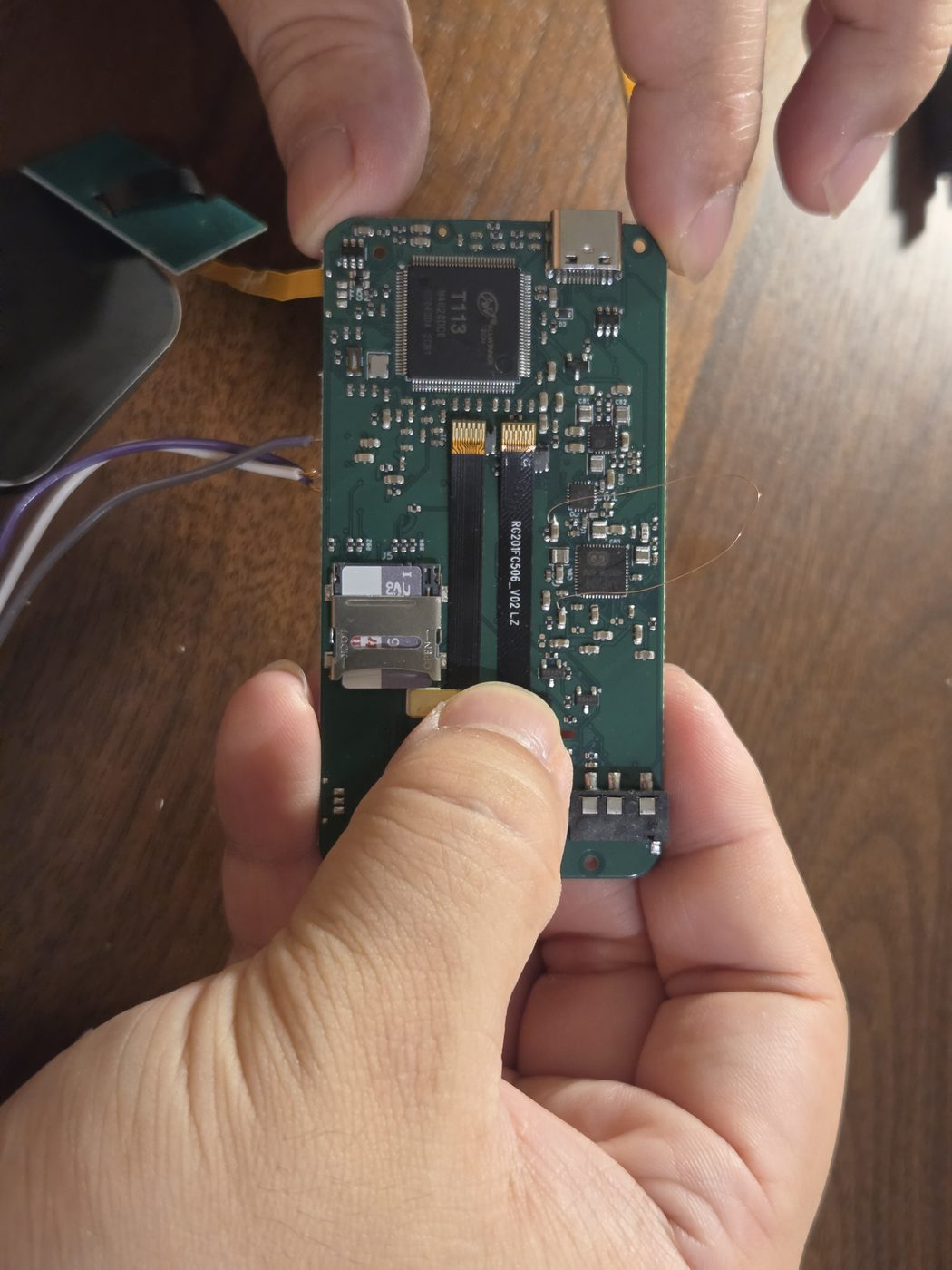
The main board held between two fingersReal
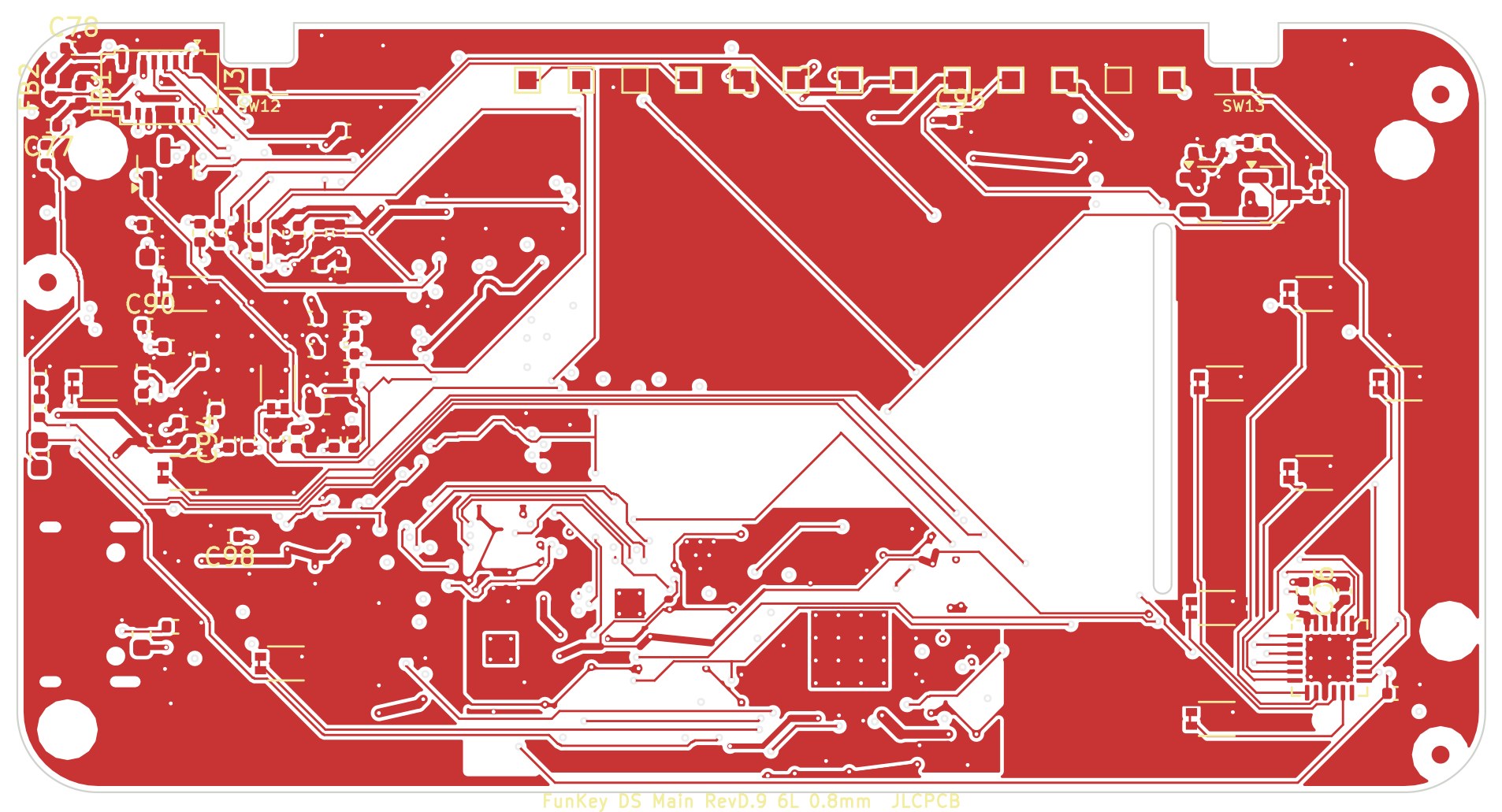
The main board. Everything has to fit under one screen.

Swipe for more

Real games, real hardware

Yes, it plays DS games. And GBA. And more.

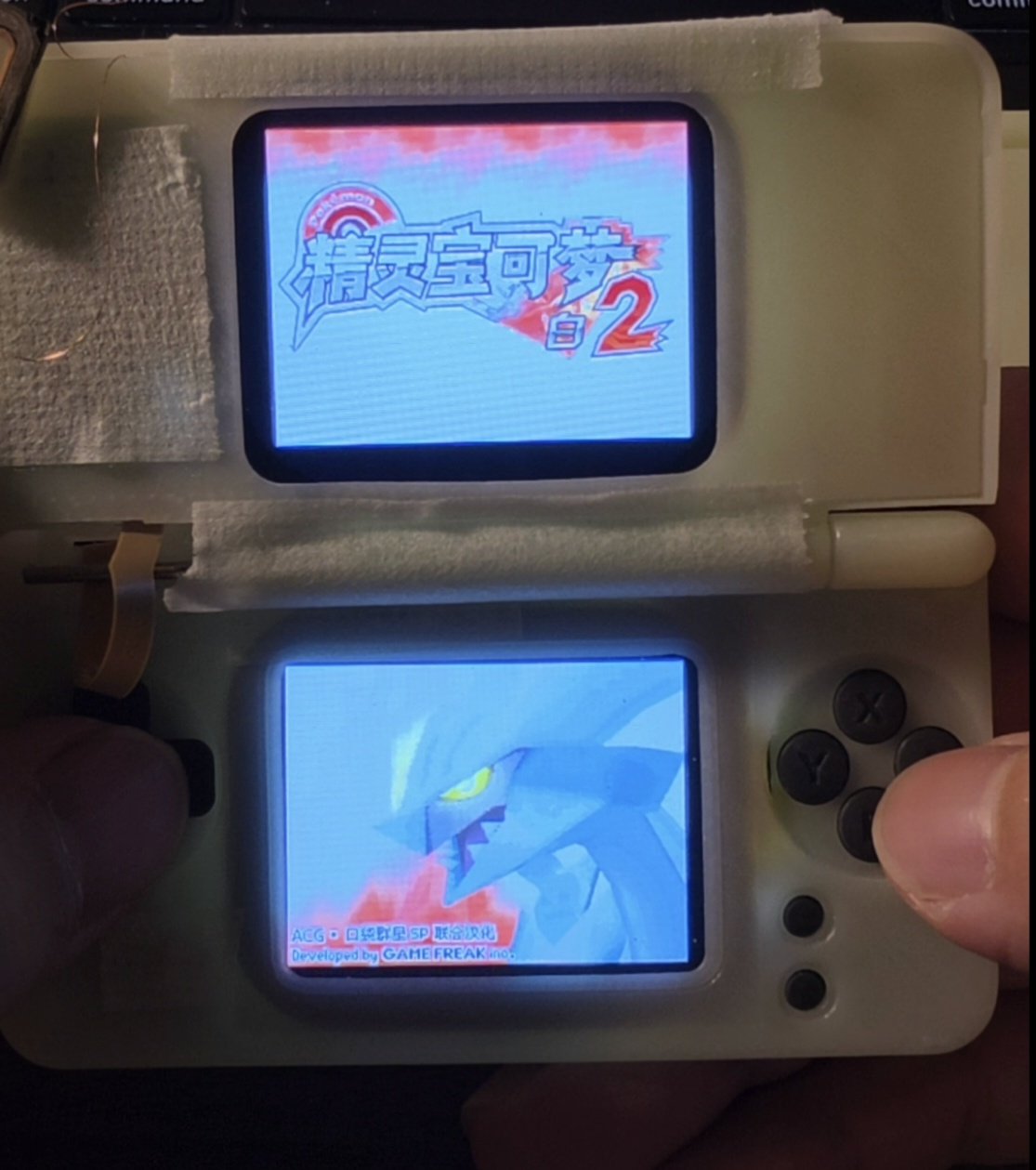
Filmed on my prototype with a phone; the clips are only trimmed. DS games run through DraStic on both screens; GBA, Game Boy, PlayStation and the other single-screen systems run on open-source cores, with a quick panel on the bottom screen for saving, loading and fast-forward.

Real · DS
DS on two screens. From the title screen into the game, then loading a save slot. Pokémon White 2.
Real · GBA
GBA with a quick panel. Tap Save, Load or hold 2× on the bottom screen. Super Robot Wars J.
A DS game's title screen on both screens of the prototypeReal · DS
Both screens, full colour. A DS title screen on the prototype in the dark.

Swipe for more

No games come with the device. Game names and artwork shown belong to their owners.

The device

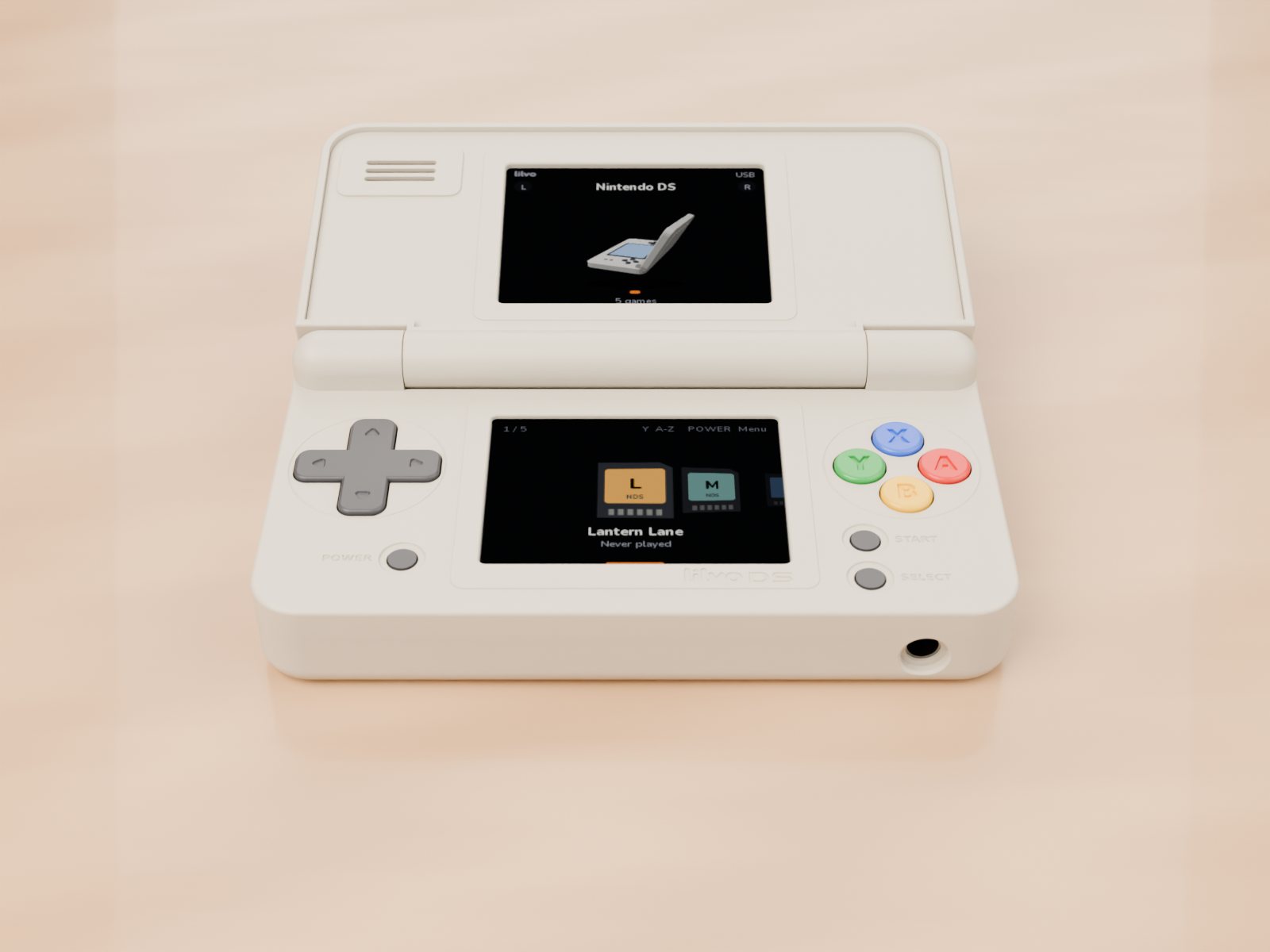
A stretched FunKey S, with a second screen.

I've always loved the FunKey S, a keychain-sized open-source clamshell. DS Micro started as a simple question: what if it were a bit wider, with a screen on each half? It borrows FunKey S ideas wherever it can; the boards, enclosure and software are new.

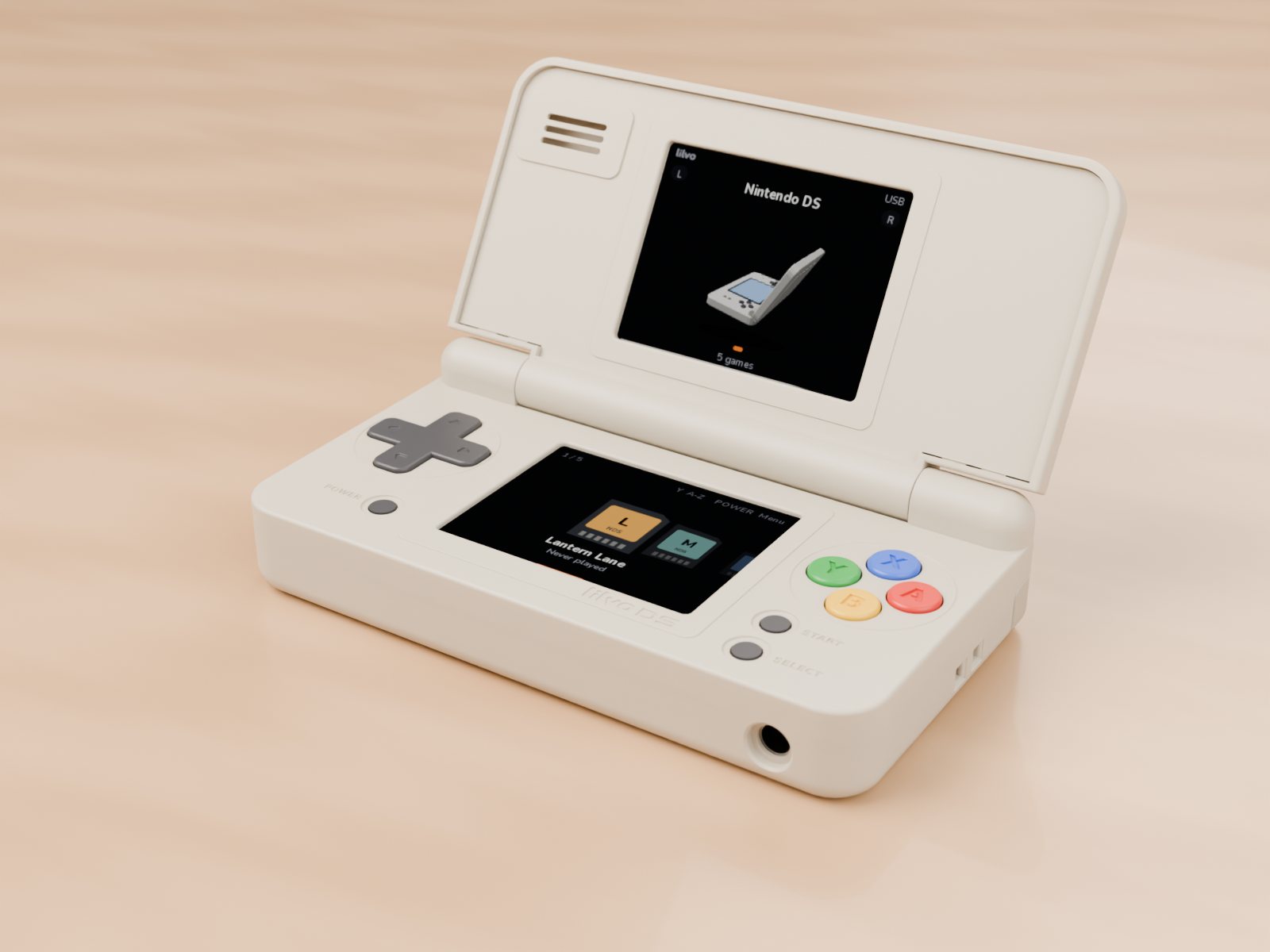
Open at 120 degrees showing the lilvo home screenRender · open
Closed device lying on top of a bank card, seen from directly aboveRender · on a bank card, to scale
Fully open at 170 degreesRender · open 170°
Side view showing thicknessRender · side

Swipe for more

Close the lid to save

A Hall sensor tells the system the lid is shut. It saves your game first, then powers off. Open it and you're back where you were.

Ports where hands aren't

USB-C on the left, a 3.5 mm headphone jack on the right, and the microSD card is hidden inside so it can't pop out.

Built to be repairable

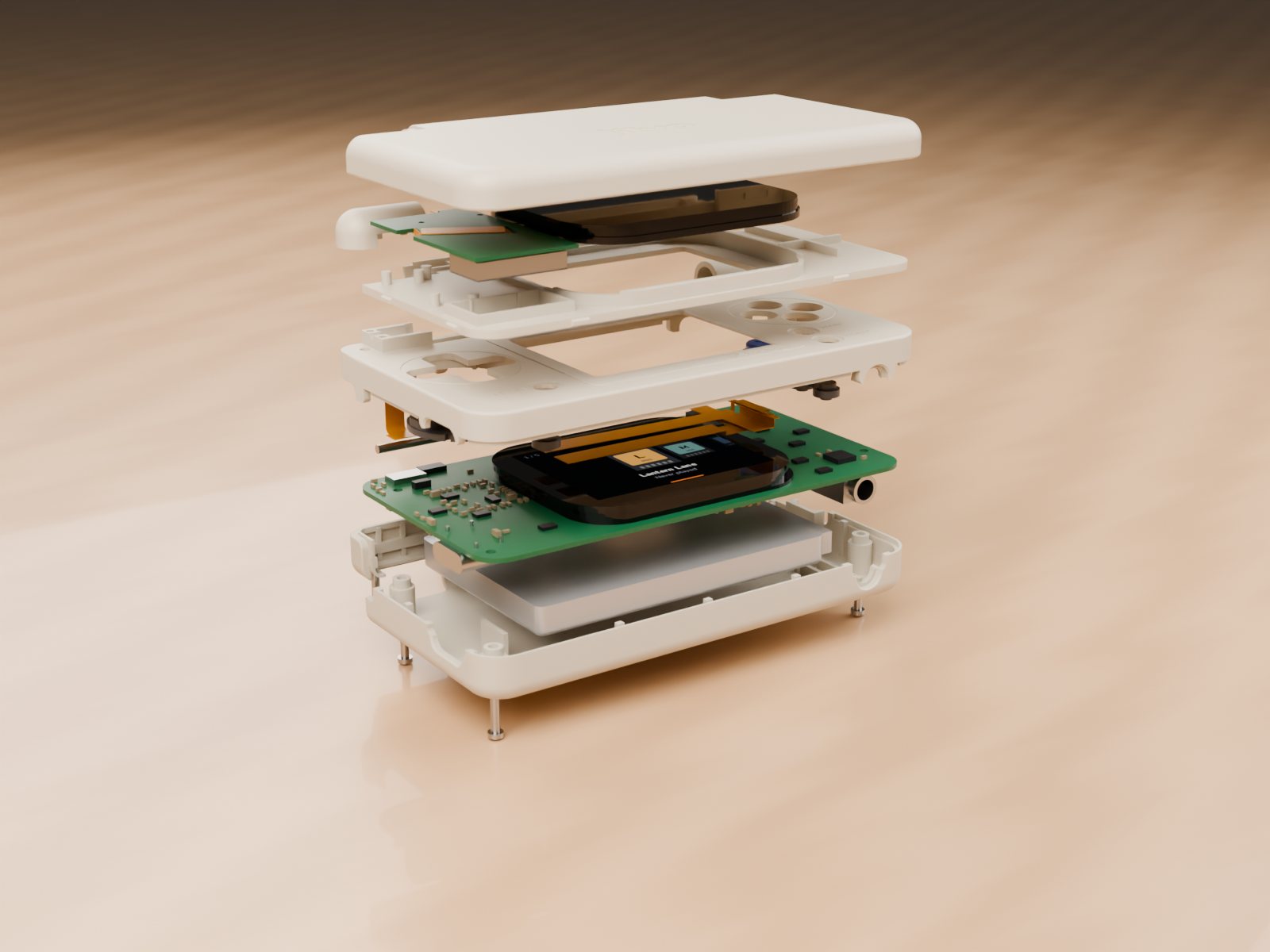
Snap-fit shell, four screws, a steel hinge pin. The design files will be published so anyone can fix or rebuild one.

The lilvo system

A little OS made for two small screens.

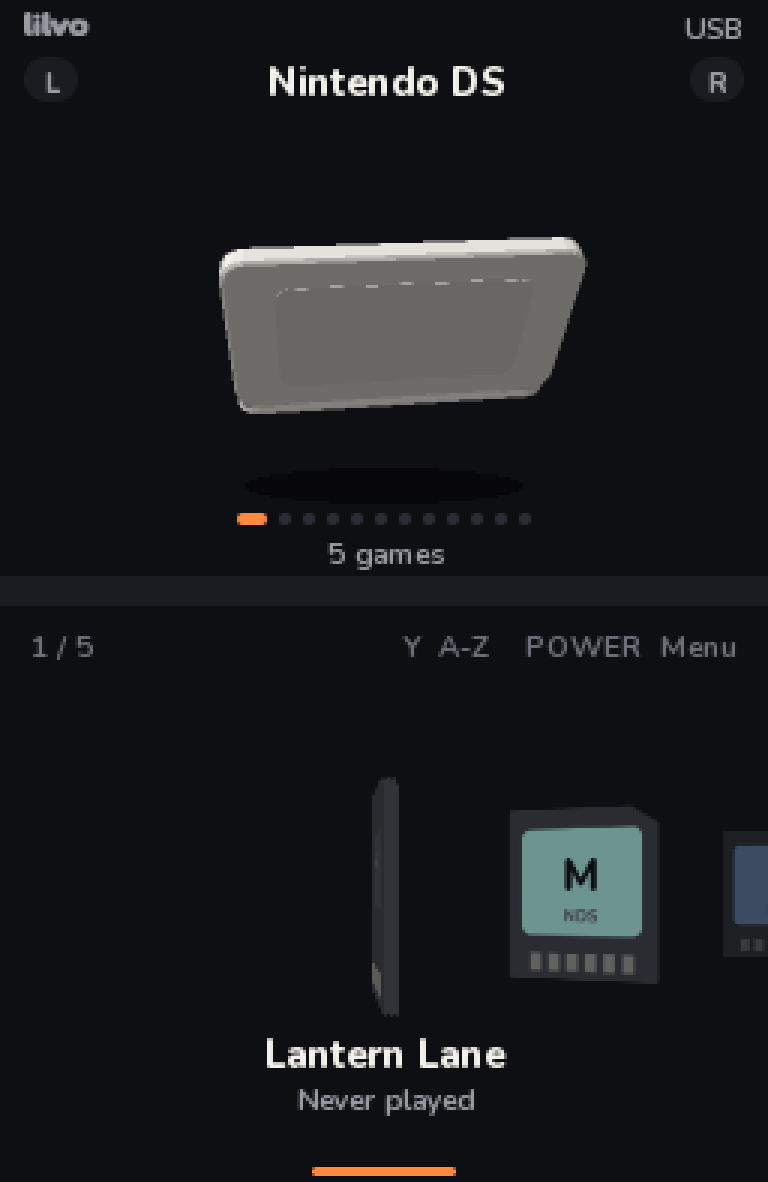
I wrote the launcher from scratch on mainline Linux. Below is the real home screen, recorded straight from the system's own renderer. Each console gets a small spinning 3D model on top and your games as cartridges below.

Shelf home

L / R switch consoles, left / right pick a game. Every console remembers where you were.

A–Z index

Hold the screen edge or press Y for a curved alphabet that swells under your finger.

One menu key

Like FunKey S, POWER opens every menu: save states, volume, brightness, swap screens.

Files from a browser

Plug in USB-C and open lilvo.local to add games, covers and saves. More below.

Updates the same way

System updates install from that page too. The manual lives there as well; there's no paper.

Saves come first

Auto-save on quit, on lid close and on low battery, written so a sudden power cut can't corrupt them.

A–Z index

Jump to a letter in two moves.

In-game menu

In-game menu

Four save slots per game, with screenshots.

Settings screen

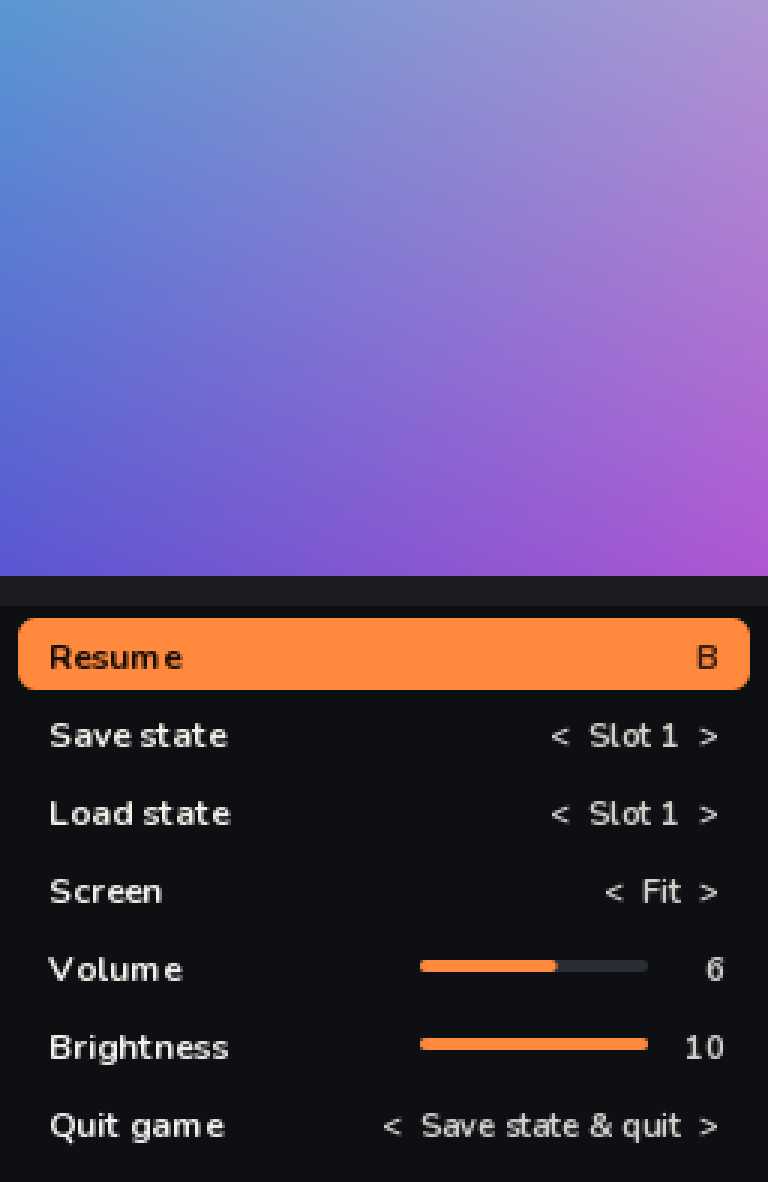
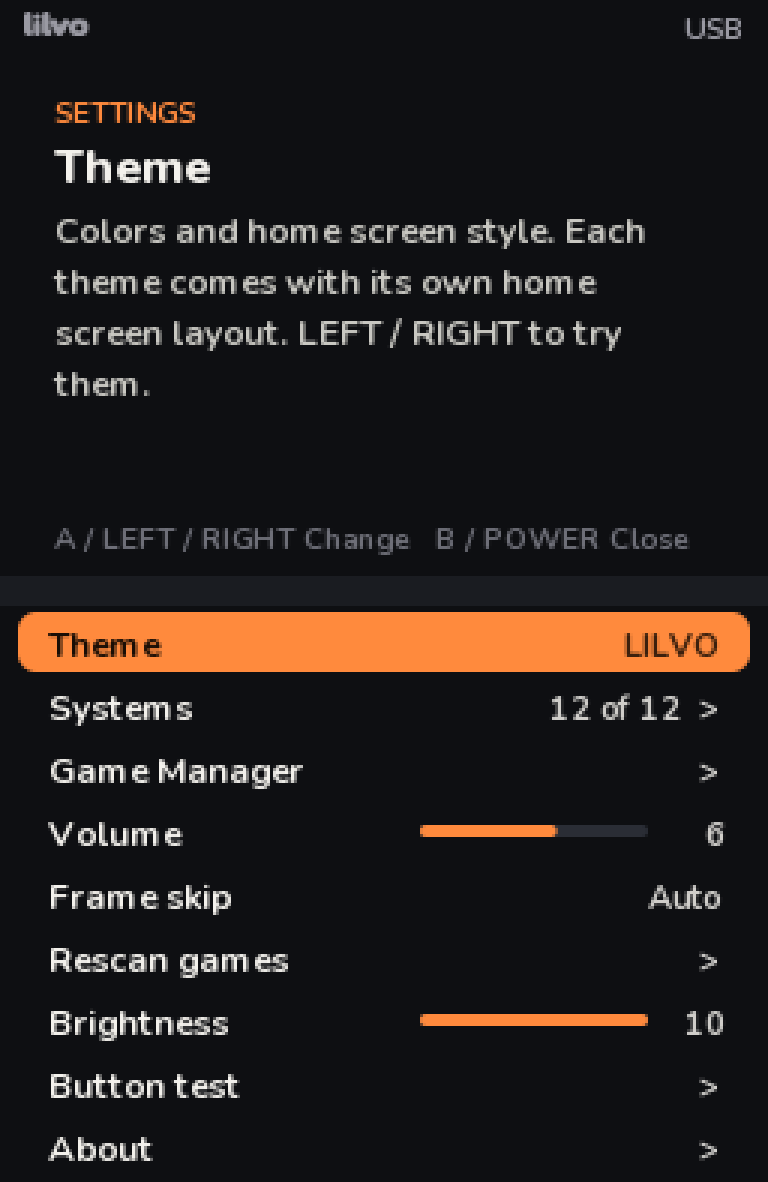
Settings

Every option explains itself on the top screen.

Swipe for more

DSGBAGame BoyGame Boy ColorNESPlayStationPC EngineMaster SystemGame GearNeo Geo PocketWonderSwanLynx

DS uses DraStic; the others use open-source libretro cores. 2D DS games are the target for full speed. Most cores haven't been tested on the real hardware yet. Bring your own games.

Web manager

Manage games and update the system from a browser.

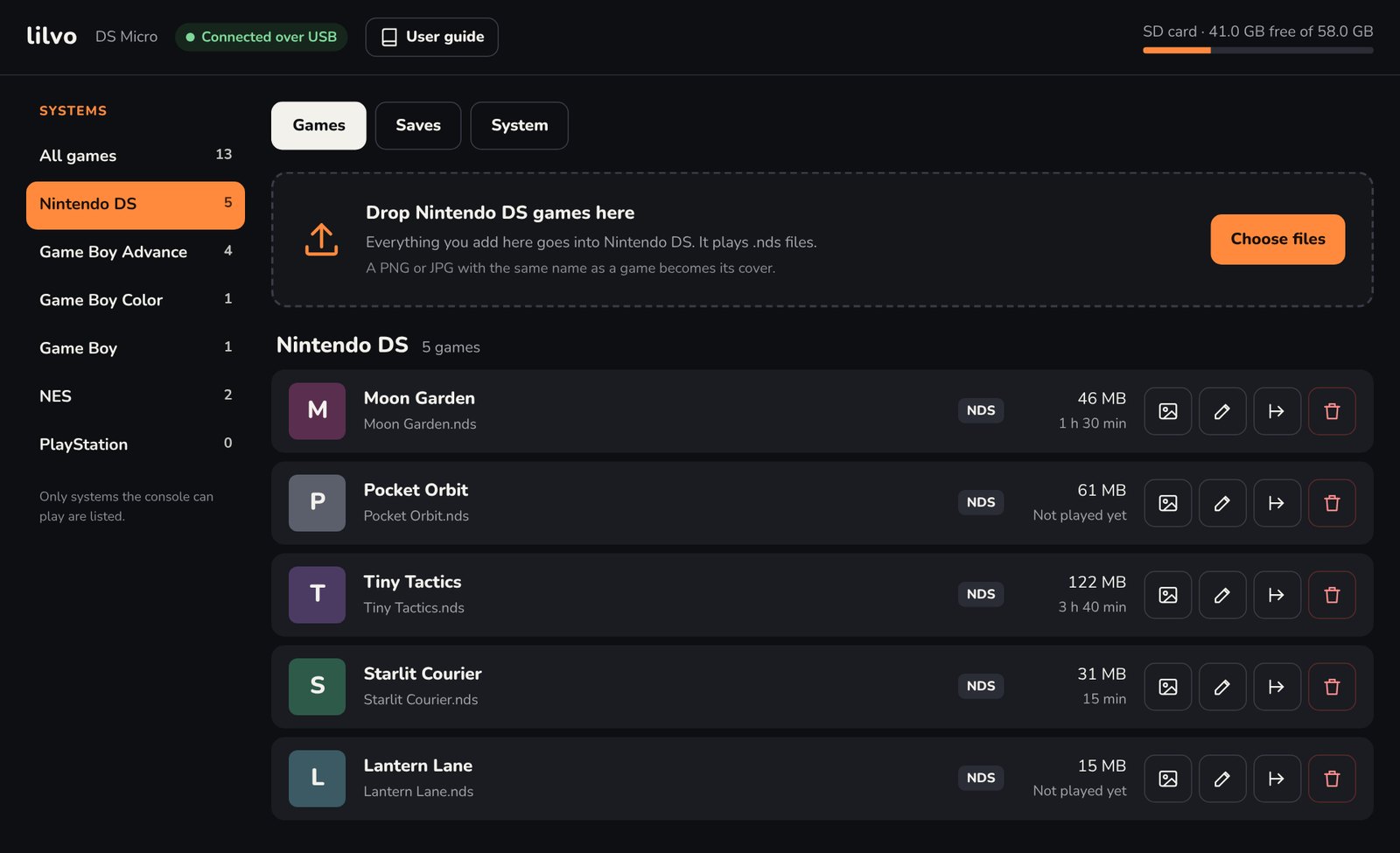
No SD card shuffling and no special app. Plug the console into your computer with USB-C, open lilvo.local, and the console serves its own management page.

The lilvo web page: Nintendo DS game list with upload areaReal page · placeholder games

Add games

Pick a console, drag files in. Files it can't play are kept but marked red, with the reason.

Covers

Drop a PNG or JPG with the same name as the game. DS games use their own icon until then.

Rename safely

Rename a game and its cover, save file and every save-state slot move with it.

Back up saves

Download all saves as one zip, restore them, or roll one game's save back.

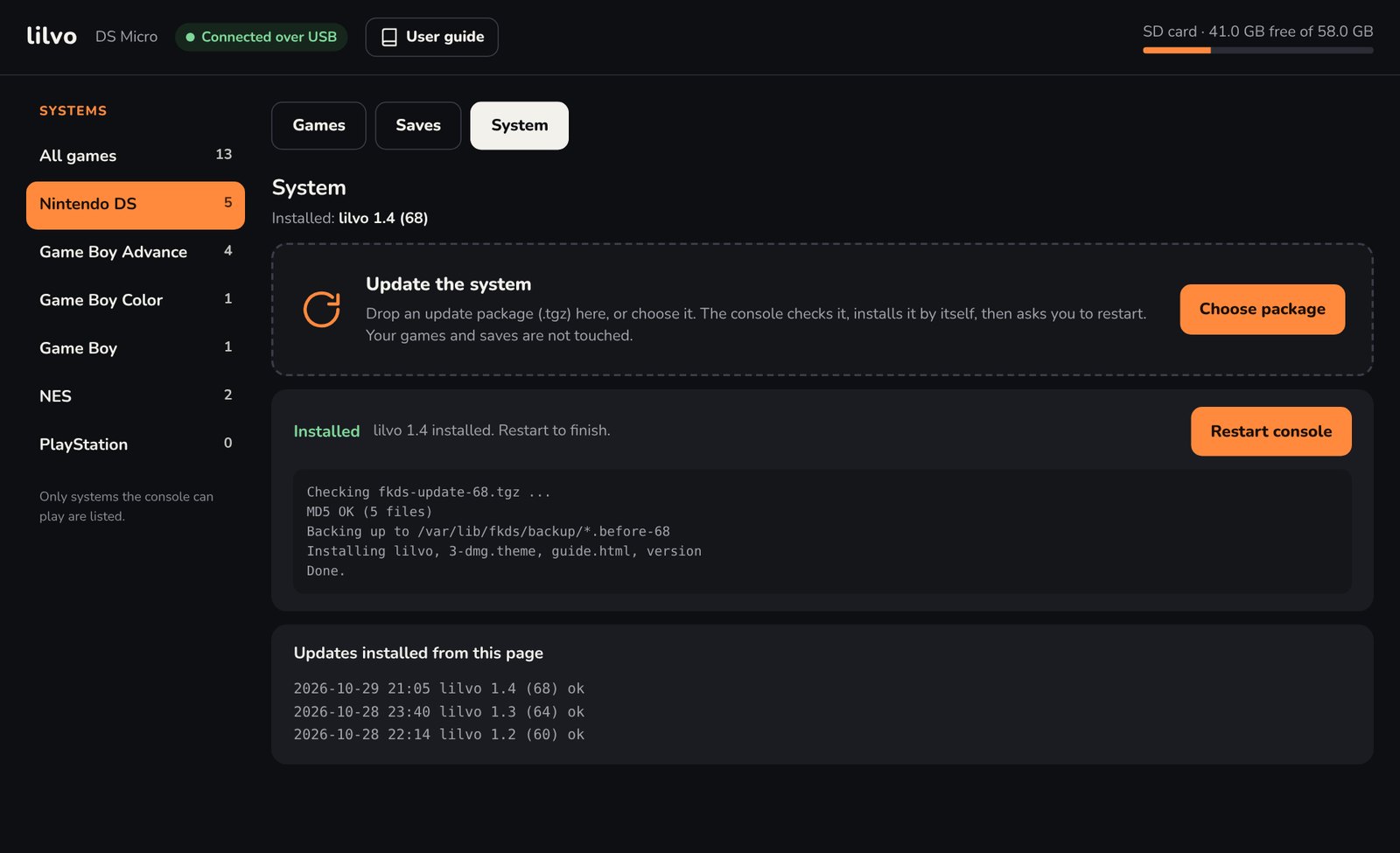
System tab with an installed update and update historySystem update

System updates, one file

Drop an update package on the System tab. The console checks it, backs up what it replaces, installs it and asks you to restart. Games and saves aren't touched. Since lilvo 1.1, this is the only way I update my own prototype.

The manual lives here

The user guide is a page on the console itself, always matching the installed version. How and why I built it →

Works on a Mac today. Windows support needs a different USB network mode and is on the list.

Themes

Same system, four moods.

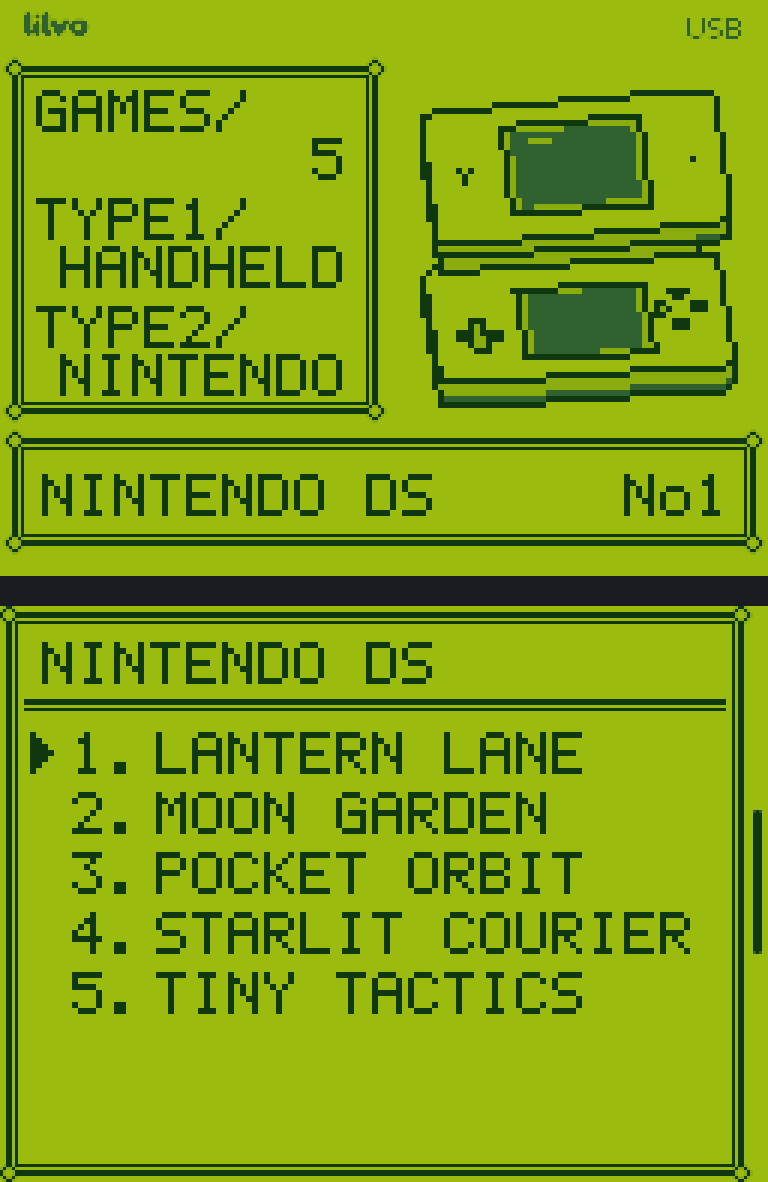
A theme changes more than colours: each can have its own home layout, its own way of drawing consoles and cartridges, and a screen filter. lilvo is the default. NEON is the one I've had the most fun with.

Theme · NEON

Cyberpunk, on a very small screen.

NEON swaps the shelf for a wheel. Games scroll by name on the right, the selected one floats as a glowing glass cartridge on the left, and every console turns into a hologram.

  • Holographic wireframe consoles, glowing edges included
  • "Relic" cartridges with unique circuit traces per game
  • Scanlines, plus a random glitch every few seconds
  • Wheel layout: up / down for games, L / R for consoles
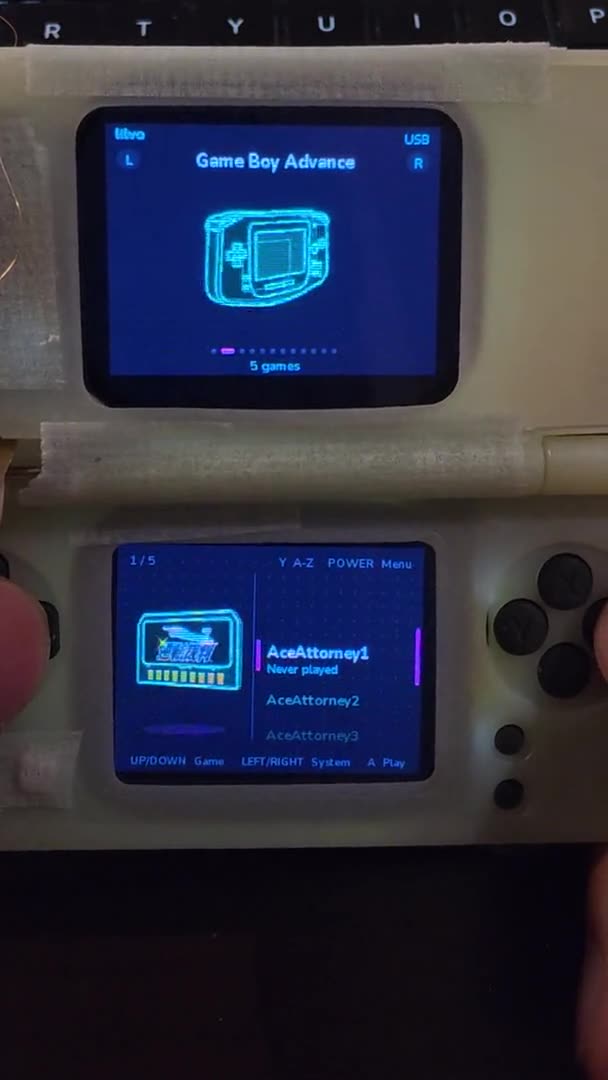
NEON · on the prototype

Not a mockup.

The same theme running on my taped-together prototype, filmed with my phone: switching consoles, scrolling the game wheel, the holographic models spinning.

Game names and covers in this clip come from my own test library.

Maybe, one day

NEON colourways

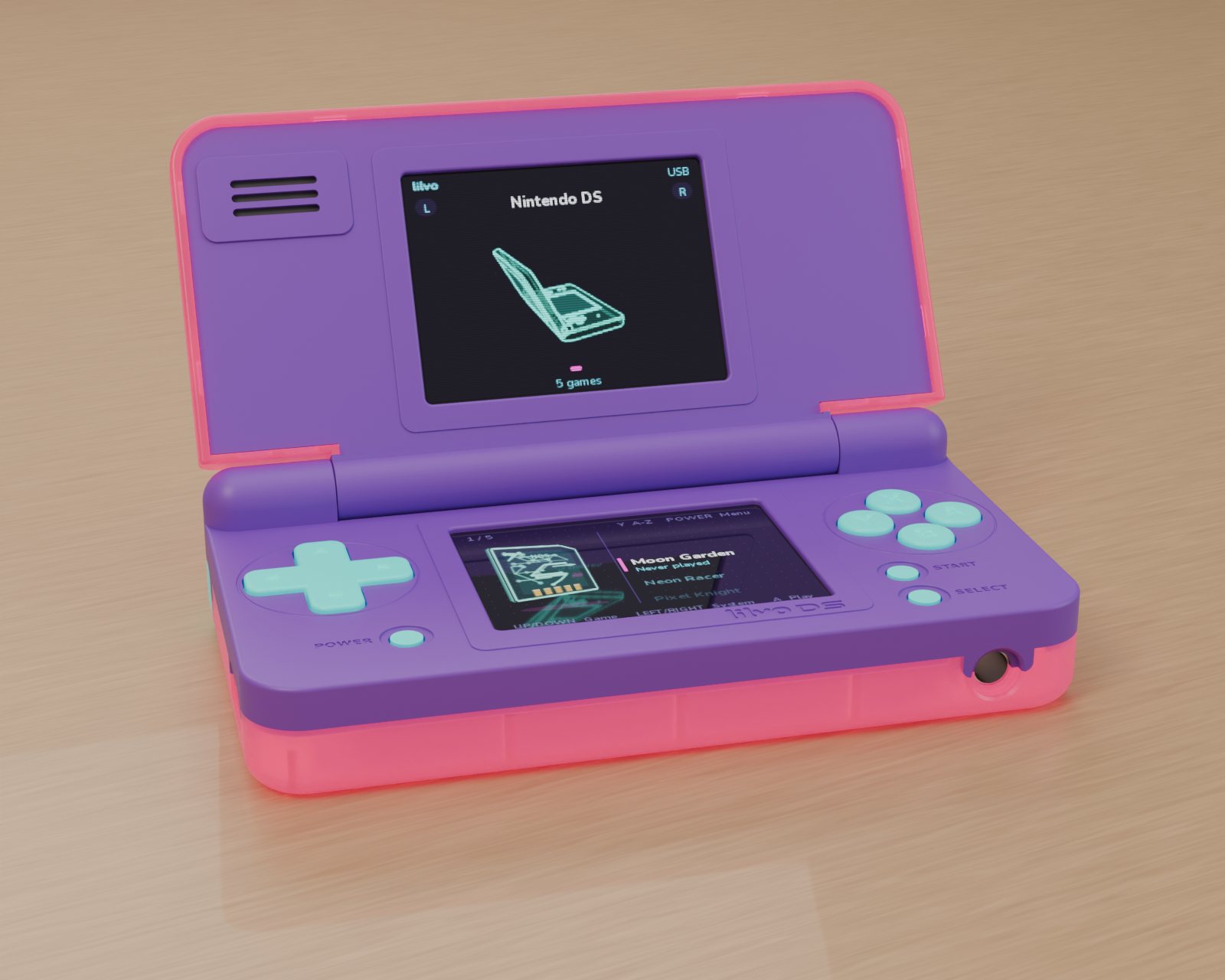
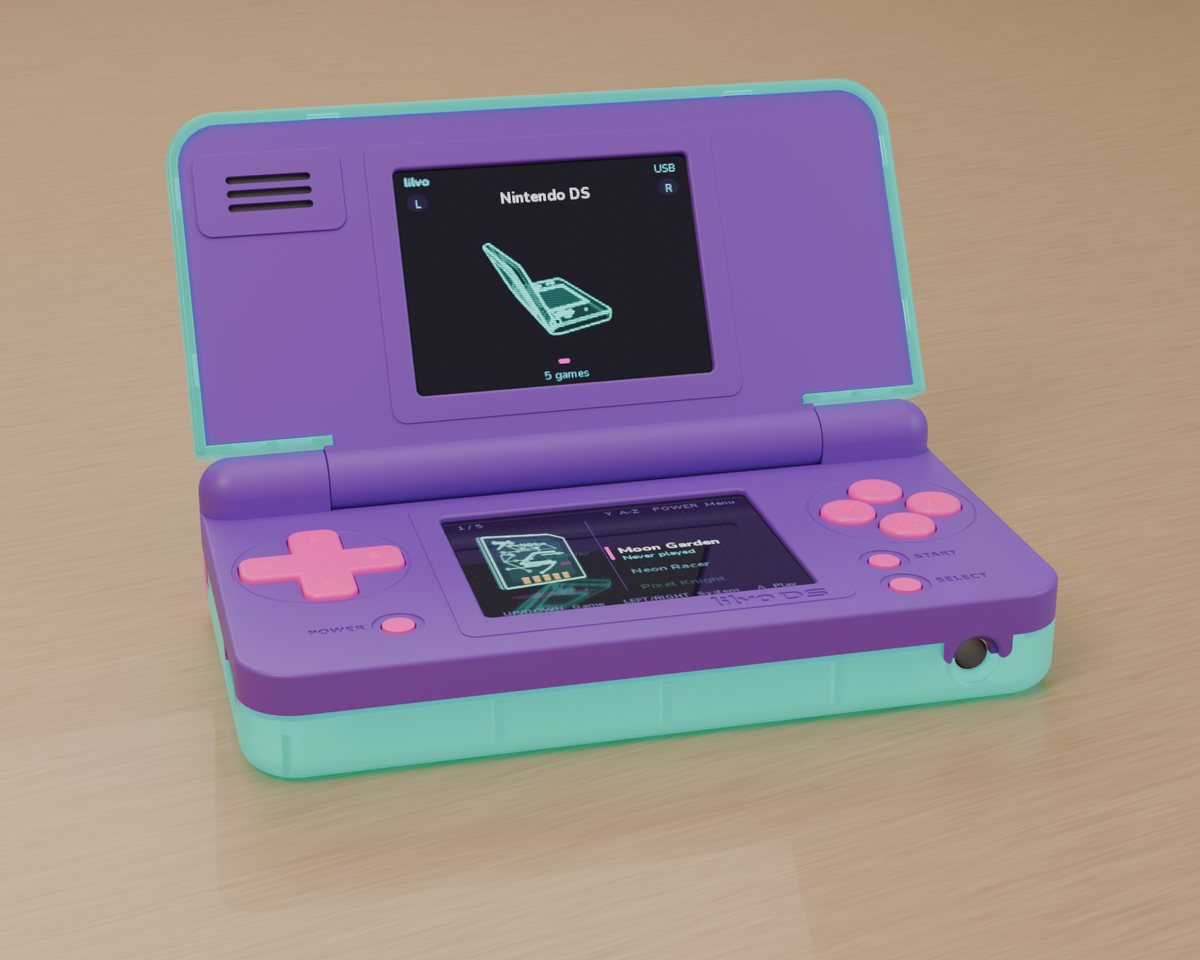
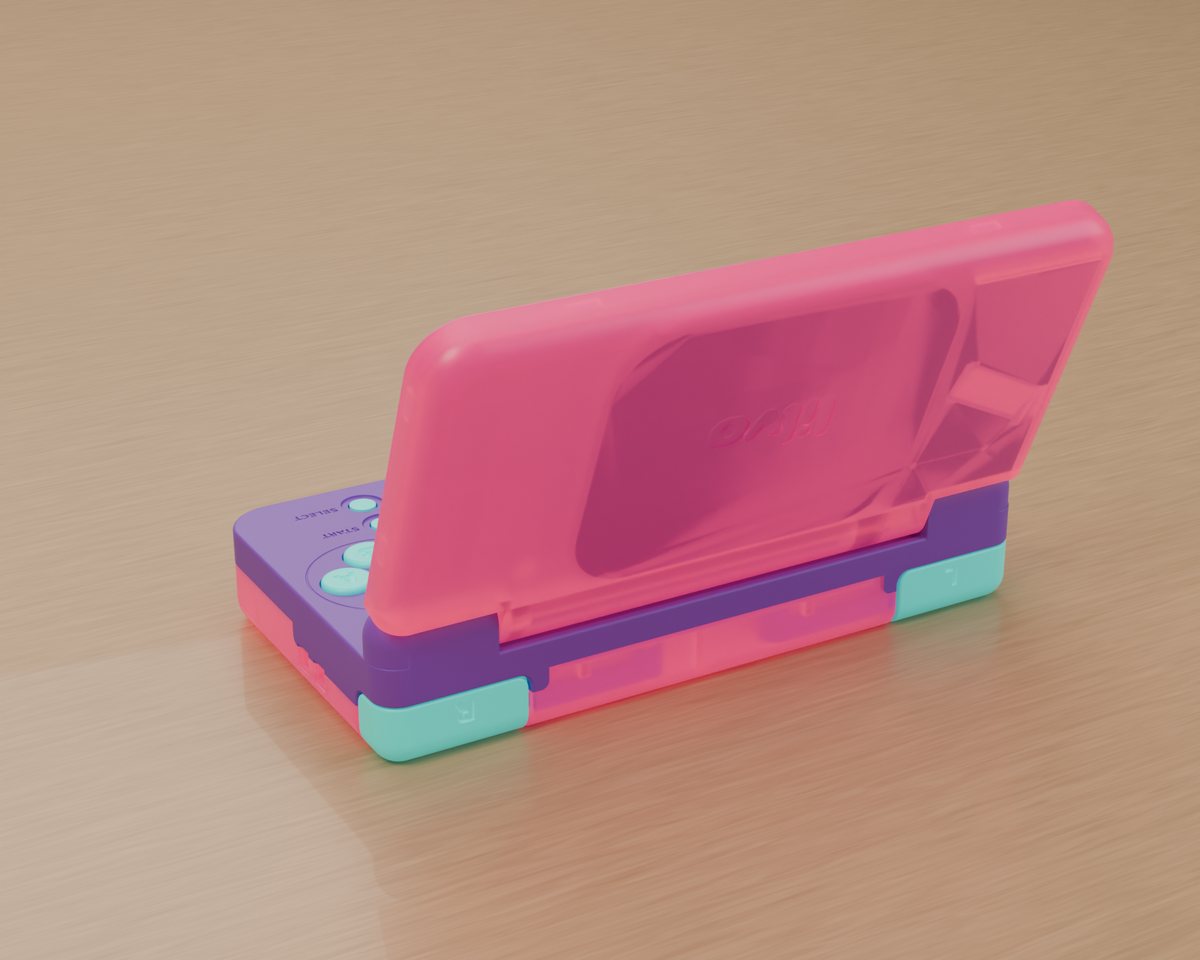
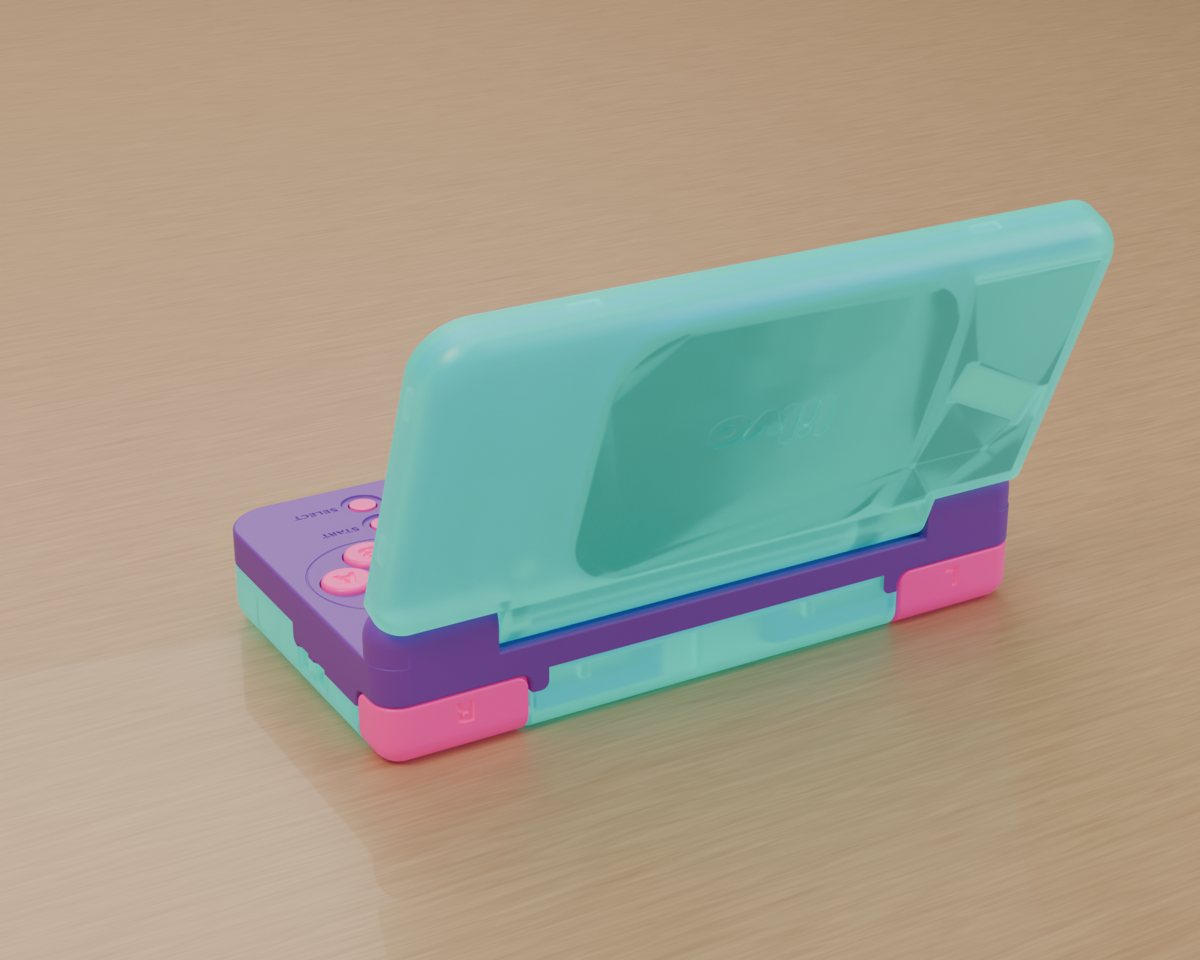
Shell colours I rendered to go with the NEON theme: translucent pink and purple, and a mint version. Whether shells like these can actually be made, and at what cost, is completely unknown for now.

Translucent pink and purple shell, openRender · concept colour
Purple and mint shell, openRender · concept colour
Translucent pink lid, back viewRender · concept colour
Translucent mint lid, back viewRender · concept colour

Swipe for more

lilvo default theme

lilvo

The default. Warm orange on charcoal, Shelf layout.

DMG theme

DMG

Four shades of green, hand-drawn pixel consoles, a handheld-RPG style menu.

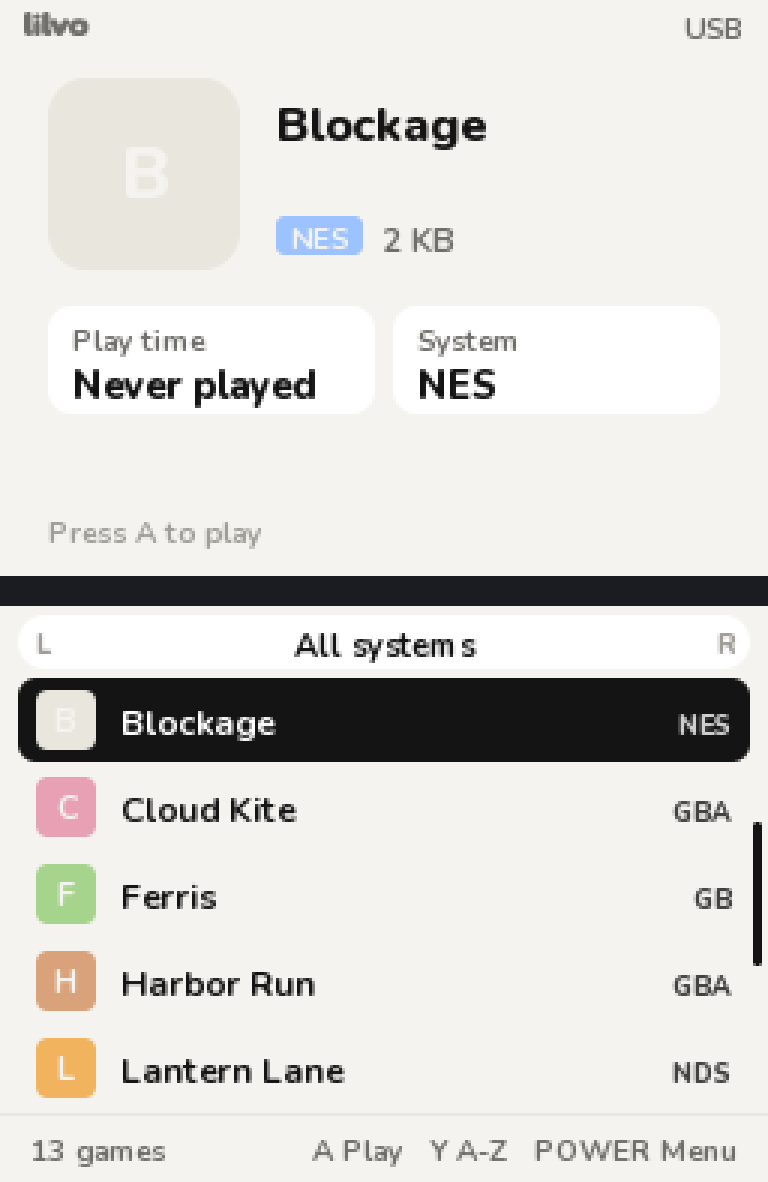
PAPER theme

PAPER

Black on white, a plain list. For people who just want their games.

Swipe for more

Build log

Latest updates.

Each update is a short post with photos. Here are the three newest; the full timeline is on its own page.

Swipe for more

See the full timeline →
Specs

Current prototype.

Anything here can still change.

Size85 × 46 × 18 mm closed
ProcessorAllwinner T113, dual-core Cortex-A7 @ 1.2 GHz
Screens2 × IPS, 256 × 192 shown on each
TouchBottom screen, capacitiveUNDECIDED
ControlsD-pad, A B X Y, L / R, Start, Select, Power
Battery1200 mAh Li-Po
StoragemicroSD, inside the shell
AudioSpeaker + 3.5 mm headphone jack
PortsUSB-C (charging, files, updates). No Wi-Fi.
Softwarelilvo system on mainline Linux
FAQ

Things people ask.

Can I buy one?

Not yet. The goal is to take it all the way to mass production, and I'm doing everything I can to get there. The Beta boards are the next big step. When there's news about availability, it'll be here and on Reddit first.

How much would it cost?

I don't know yet, and I'd rather not guess.

How well does it run DS games?

2D games are the target and run at full speed in my testing. Heavy 3D games run, but skip frames. Size and battery life come before raw power.

Touch screen or not?

The current prototype has touch on the bottom screen. I'm also exploring an even smaller version without it. If you have an opinion, tell me on Reddit.

Why no SNES or Mega Drive?

The best emulators for those have non-commercial licences, so I've left them out for now.

Will it be open source?

Yes. Hardware under CERN-OHL-S-2.0, and the system with its source. FunKey S is credited, and its non-commercial terms are kept where its parts are reused.